Is Home Automation Worth It? Costs, Benefits, and What Homeowners Should Know Before Upgrading
Walking through your front door with arms full of groceries and having the lights turn on automatically isn't just a scene from a sci-fi movie anymore. It's Tuesday. From thermostats that learn your schedule to security cameras you can check from halfway around the world, smart technology has fundamentally changed how we interact with our living spaces. But as you scroll through endless options for smart plugs, hubs, and voice assistants, a nagging question likely remains: Is all this actually worth the investment?
For many homeowners, the concept of a "smart home" is enticing but confusing. It promises convenience and futuristic flair, yet it also comes with price tags and technical complexities that can be daunting. As experts in the field, we see both the transformative power of these systems and the frustration that comes from poor planning.
This guide will cut through the marketing hype. We will break down the real costs of upgrading your home, explore the tangible benefits beyond just "cool factor," and provide the critical information you need before installing a single device. Whether you are looking for a simple security upgrade or a fully integrated ecosystem, understanding the full picture is the first step toward a smarter home.
The Real Price Tag: Understanding Home Automation Costs
One of the biggest hurdles for homeowners is understanding the financial commitment. The cost of home automation varies wildly depending on whether you take a DIY approach with a few smart bulbs or hire professionals for a fully integrated system. Let's break down where your money actually goes.
Initial Setup and Infrastructure
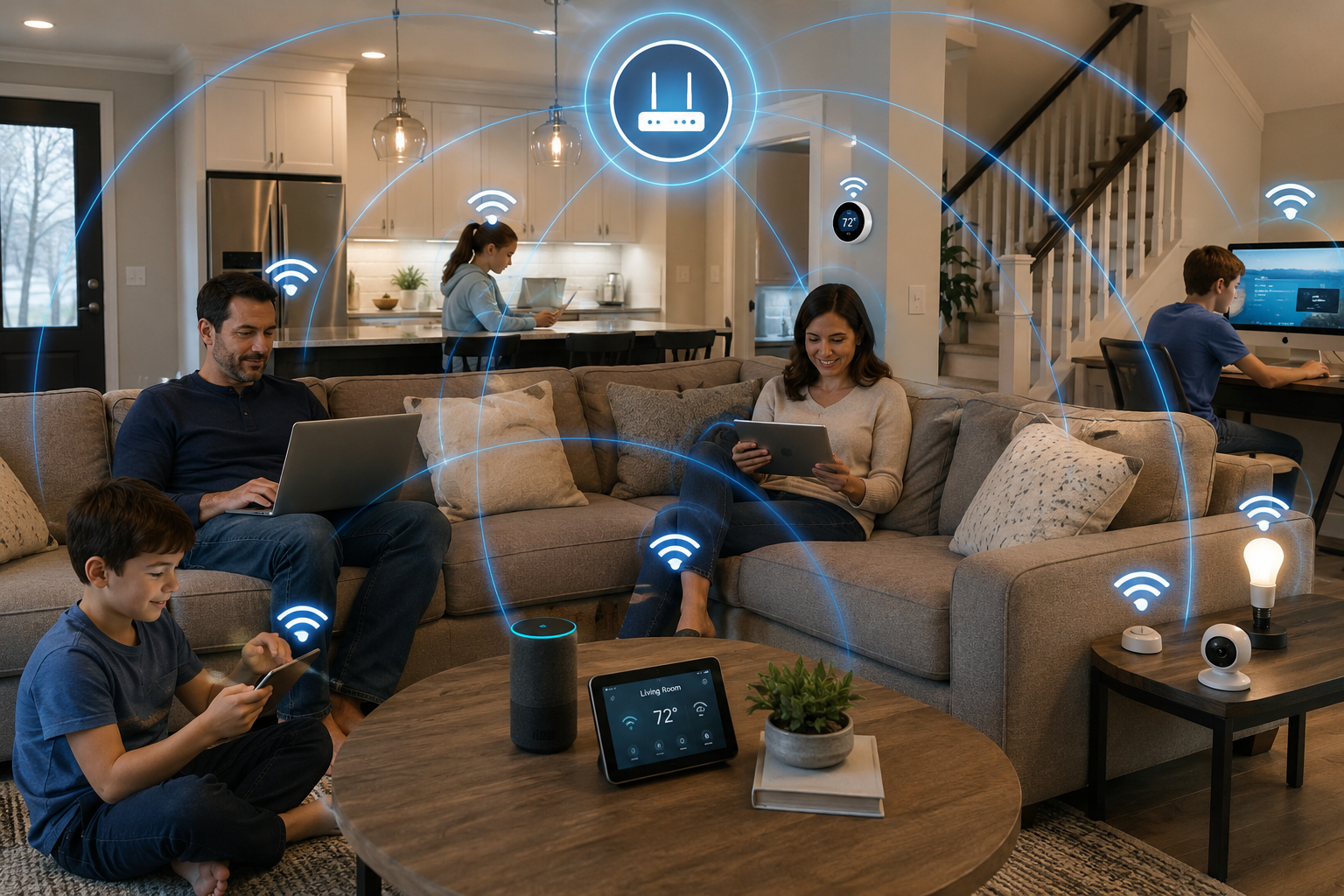
Before you buy a flashy smart fridge, you need a solid foundation. This is often the hidden cost that surprises homeowners. A robust home automation system relies heavily on your network.
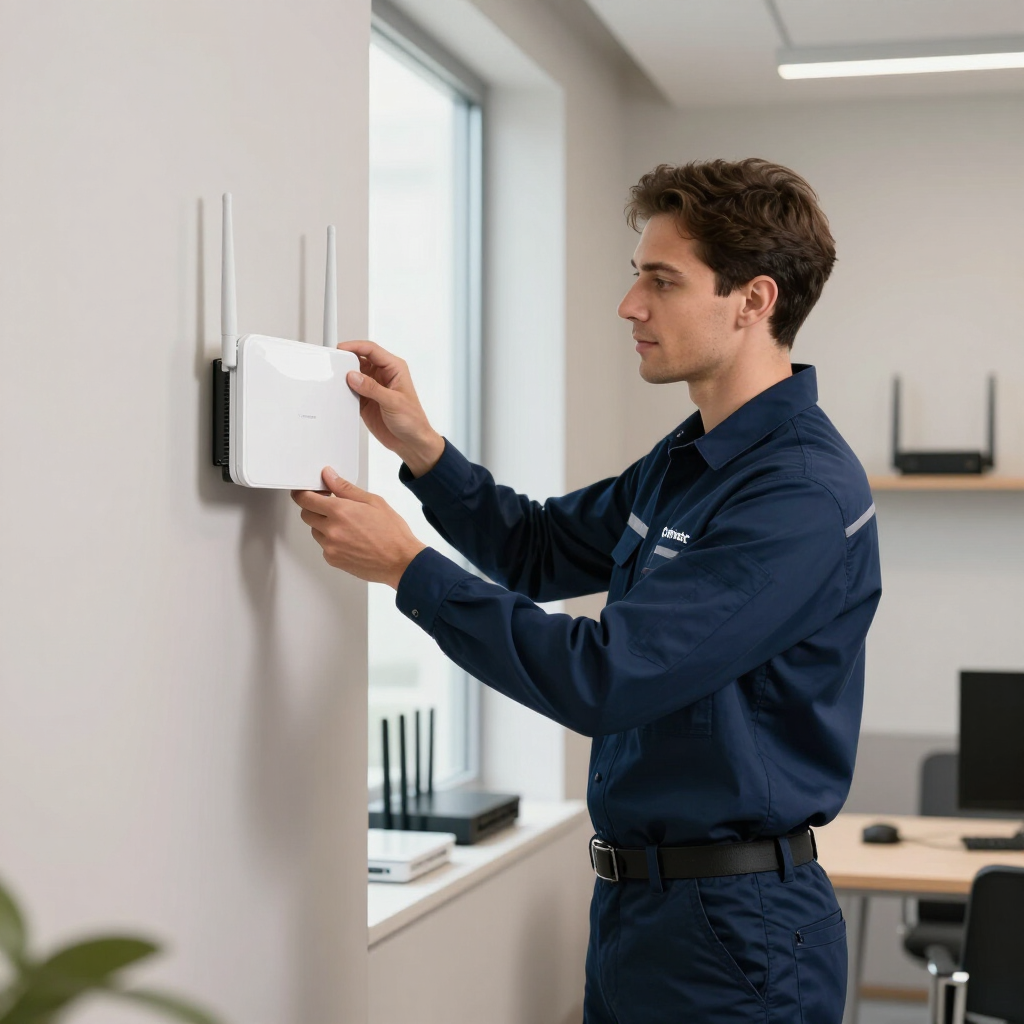
- Wi-Fi Upgrades: Most ISP-provided routers cannot handle 50+ smart devices fighting for bandwidth. You may need a mesh Wi-Fi system (costing between $200 and $500) to ensure coverage in every corner of your home.
- Hubs and Controllers: If you want your devices to talk to each other, you often need a central brain. While some ecosystems rely on cloud connections, professional setups often use dedicated local controllers. Prices range from $100 for basic consumer hubs to $1,000+ for professional-grade controllers.
Device Costs
This is the most scalable part of your budget. You can start small or go all-in.
- Entry-Level: Smart plugs, bulbs, and basic sensors usually run $15–$50 each.
- Mid-Range: Smart thermostats, video doorbells, and smart locks typically cost between $150 and $300 per unit.
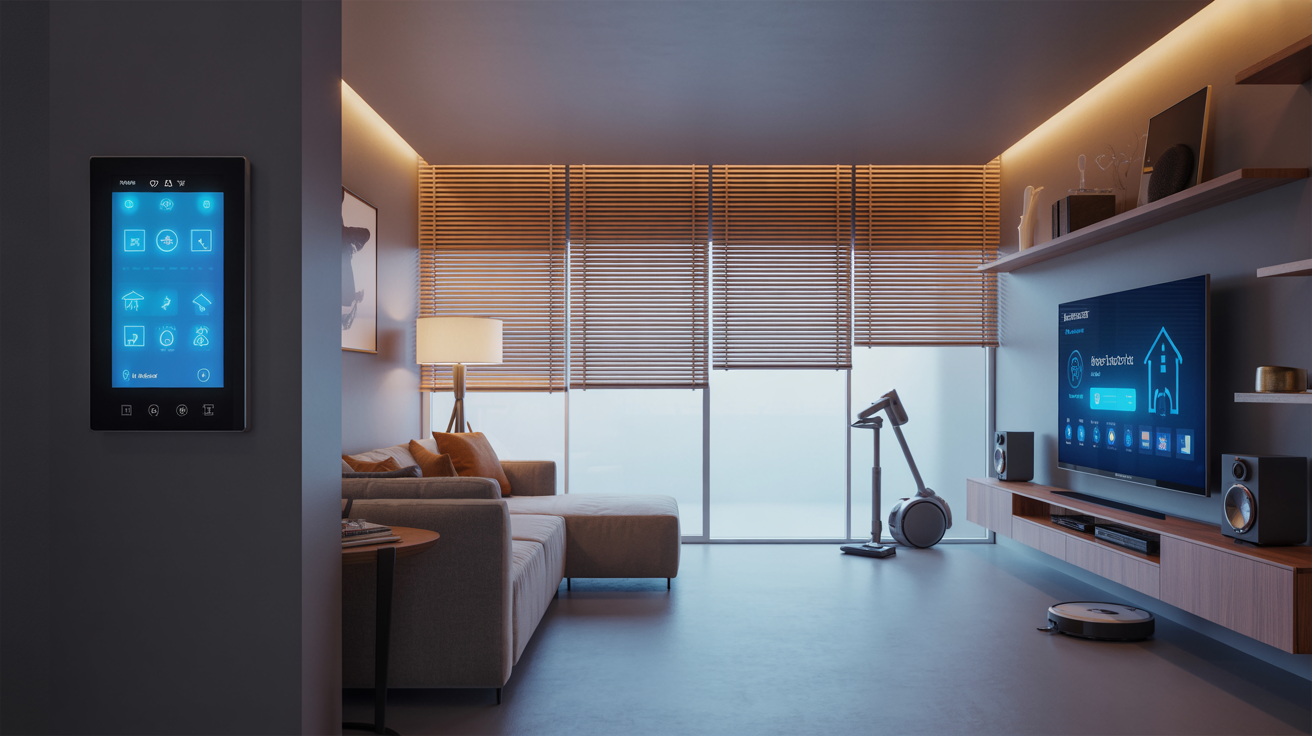
- High-End: Automated window shades, premium architectural speakers, and high-end security cameras can cost hundreds or even thousands of dollars per room.
Professional Installation vs. DIY
This is where the expertise gap becomes apparent.
- DIY: You pay with your time. While cheaper upfront, troubleshooting connectivity issues, mounting hardware, and configuring software can take entire weekends.
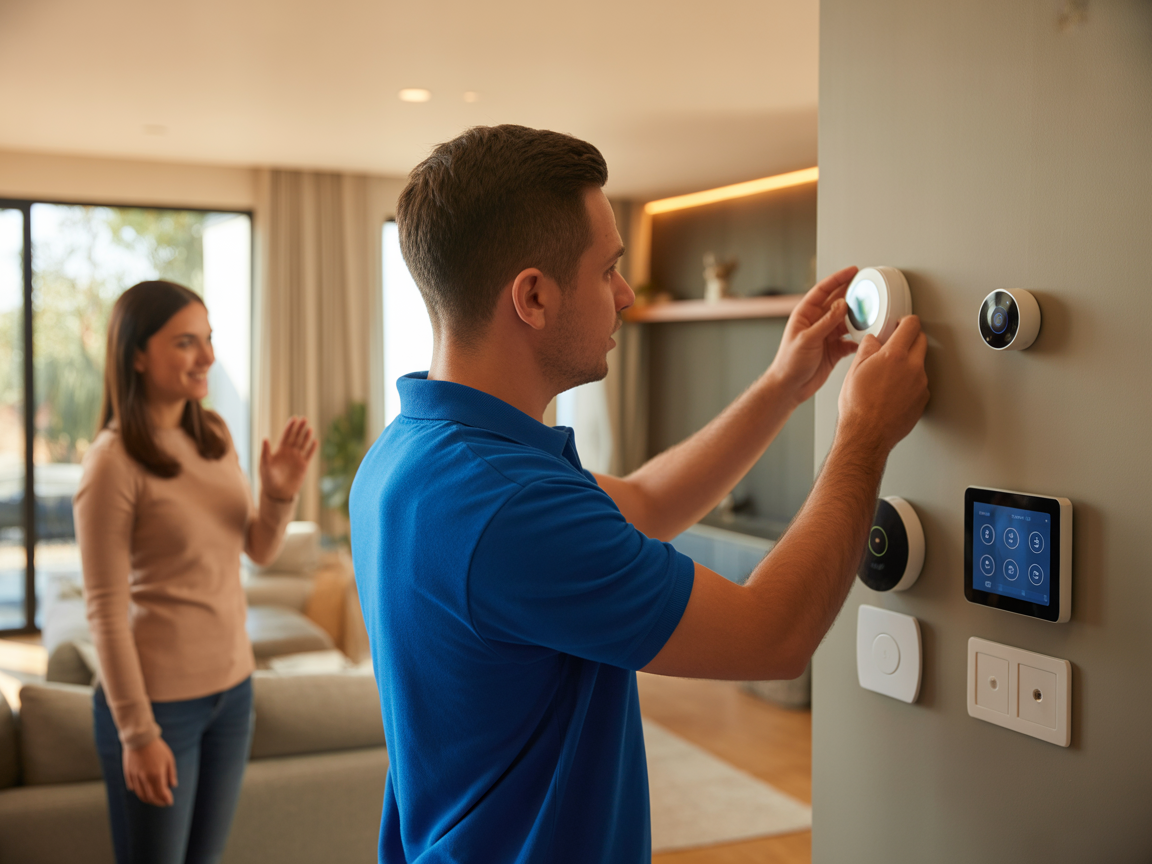
- Professional Installation: Hiring a company like ours ensures devices are installed correctly, wires are hidden, and networks are secure. Installation fees typically account for 10% to 30% of the total hardware cost, but they buy you reliability and a warranty on the labor. For a whole-home system, labor might range from $2,000 to over $10,000 depending on complexity.
Ongoing Maintenance and Subscriptions
Hardware isn't a one-time purchase.
- Cloud Storage: Video doorbells and cameras usually require a monthly subscription ($3–$15/month) to store footage.
- System Updates: Professional systems may offer service contracts to keep firmware updated and systems running smoothly, ensuring you don’t wake up to a "smart" house that’s suddenly dumb because of a software glitch.
The ROI: Benefits That Go Beyond Convenience
Is it worth spending thousands of dollars just to turn off lights with your voice? If that were the only benefit, probably not. However, a well-designed smart home offers returns on investment that impact your wallet, your peace of mind, and your daily quality of life.
Significant Energy Efficiency
This is the most tangible financial benefit. Smart thermostats like Ecobee or Nest don't just hold a temperature; they learn your habits. They know when you leave for work and adjust the HVAC accordingly. They can use room sensors to prioritize occupied rooms over empty ones.
- The Savings: The EPA estimates that ENERGY STAR-certified smart thermostats can save users roughly 8% on heating and cooling bills annually. Over five to ten years, these devices often pay for themselves.
- Automated Lighting and Shades: Motion sensors ensure lights aren't left on in empty basements. Automated shades block the afternoon sun during summer to reduce cooling loads. These small adjustments compound over time into significant utility savings.
Enhanced Security and Safety
Traditional alarm systems are reactive; smart security is proactive.
- Remote Monitoring: You can verify a false alarm from your office or check if a package was delivered.
- Prevention: Smart lighting can simulate your presence while you are on vacation, turning lights on and off in a natural pattern to deter burglars.
- Disaster Mitigation: Smart water leak detectors are unsung heroes. They can detect a burst pipe or leaking washer and automatically shut off the main water valve, potentially saving you tens of thousands of dollars in water damage repair.
Accessibility and Aging in Place
For elderly homeowners or those with mobility issues, automation is not a luxury—it’s a tool for independence. Voice commands can control lights, locks, and thermostats without the need to get up. Video doorbells allow homeowners to see who is at the door without opening it. This technology can extend the time a person can live safely and comfortably in their own home.
Increased Home Resale Value
Real estate trends are shifting. Buyers, particularly Millennials and Gen Z, expect homes to be "tech-ready." A home with a hardwired network, smart locks, and an integrated thermostat is often perceived as more modern and well-maintained. While it may not dollar-for-dollar return your investment like a kitchen remodel, it can significantly differentiate your property in a crowded market.
What You Must Know Before You Upgrade
Before you start adding devices to your shopping cart, pause. The difference between a helpful smart home and a headache lies in the planning phase. Here are the critical considerations every homeowner should weigh.
Compatibility and Ecosystems
The biggest mistake homeowners make is buying incompatible devices. You might buy a Ring doorbell (Amazon), a Nest thermostat (Google), and HomeKit lights (Apple). While standards like Matter are helping bridge these gaps, fragmentation is still a real issue.
- The Fix: Decide on an ecosystem early. Are you an Apple household? Do you prefer Alexa? Or do you want a platform-agnostic system like Control4 or Savant? Professional installers specialize in unifying these disparate devices into a single, easy-to-use interface, so you aren't juggling five different apps just to get ready for bed.
Network Robustness
We mentioned this in the costs section, but it bears repeating: Your ISP router is likely not good enough. Smart devices are chatty. They constantly ping the network. If your Wi-Fi is spotty in the master bedroom, your smart TV will buffer, and your smart lights will lag.
- The Fix: Assess your network first. If you have a large home (over 2,500 sq ft) or brick/concrete walls, invest in hardwired access points or a high-quality mesh system before adding automation devices.
Privacy and Data Security
inviting microphones and cameras into your home requires trust. Every internet-connected device is a potential entry point for hackers if not secured properly.
- The Fix: Change default passwords immediately. Enable two-factor authentication on all accounts. Ideally, put your smart devices on a separate "Guest" network so that if a cheap smart bulb is compromised, the hacker cannot access your laptop or personal data. Professional systems often offer higher levels of encryption and local processing, meaning your voice commands don't always have to go to the cloud.
Scalability vs. Obsolescence
Technology moves fast. The cutting-edge touchscreen of today is the clunky relic of tomorrow.
- The Fix: Don't focus on the gadget; focus on the infrastructure. Running high-quality ethernet cable (Cat6 or Cat6a) to key locations in your home is "future-proof." Devices change, but wires usually don't. Build a system that allows you to swap out endpoints (cameras, touchscreens) without tearing open walls.
Conclusion: The Verdict on Value
So, is home automation worth it?
If you approach it as a collection of toys or a status symbol, the novelty will wear off quickly, and the cost will feel unjustified. However, if you approach home automation as a strategic infrastructure upgrade—one that saves energy, protects your property, and simplifies your daily routines—the value is undeniable.
The true worth of a smart home isn't found in a single device. It's found in the integration. It's the peace of mind knowing your garage door closed automatically when you left. It's the comfort of walking into a cool house on a hot day without wasting energy all afternoon. It is the security of knowing your home is safe, even when you aren't there.
For those ready to make the leap, the key is to start with a plan. Whether you start small with a thermostat and a doorbell or commit to a full-home integration, focusing on quality, compatibility, and security will ensure your investment pays dividends for years to come.
Frequently Asked Questions (FAQ)
1. Will a smart home system work if my internet goes down?
It depends on your setup. Many cloud-based devices (like some voice assistants and cheap cameras) lose functionality without the internet. However, professionally installed systems often use local hubs (like Hubitat or Control4) that process commands locally. This means your lights, scheduled automation, and local security alarms will still work perfectly fine even if the internet is out.
2. Can I install a smart home system myself, or do I need a professional?
You can certainly DIY basic setups like smart bulbs, plugs, and standalone cameras. These are designed to be "plug and play." However, for a cohesive whole-home system involving automated lighting panels, integrated audio/video, and advanced security, professional installation is highly recommended. Professionals ensure devices talk to each other reliably and that your network can handle the load.
3. Does home automation increase my electricity bill?
While adding devices that are "always on" (vampire power) adds a tiny amount to your load, the energy savings from automation usually far outweigh this cost. Smart thermostats alone can reduce heating and cooling costs by 10-15%. Smart lighting ensures lights aren't left on unnecessarily, and smart plugs can cut power to devices that aren't in use.
4. Is my smart home safe from hackers?
No system is 100% hack-proof, but you can make it very difficult for them. Most breaches happen due to weak passwords. To stay safe: use strong, unique passwords for every device; enable two-factor authentication; keep your router firmware updated; and consider putting your smart devices on a separateWi-Fi network from your personal computers and phones.
5. What happens to my smart home tech if I sell my house?
This is a growing consideration in real estate. Generally, fixtures (smart thermostats, wired video doorbells, smart light switches, smart locks) are considered part of the home and stay with it. Portable devices (plug-in cameras, smart speakers, hubs) usually go with the seller. It is crucial to clarify in the sales contract exactly what stays and what goes, and to perform a factory reset on all devices left behind to protect your data.