Is Your WiFi Ready For Back to School?
Is Your WiFi Ready For Back to School?
When school starts, your home's internet usage changes almost overnight. Laptops, tablets, smart TVs, gaming consoles, security cameras, smartphones, and smart home devices all compete for bandwidth, often at the same time. Even homes with fast internet service can suddenly experience buffering, dropped video calls, and frustrating WiFi dead zones.
If your family is preparing for another school year in Charlotte, NC, now is the perfect time to evaluate whether your home WiFi network is ready. A reliable home network doesn't just make online learning easier. It also supports remote work, streaming entertainment, smart home automation, and every connected device your family relies on each day.
Whether you're working from home, helping your children attend virtual classes, or simply trying to stream a movie without interruptions, optimizing your home WiFi can make a noticeable difference in your daily routine.
Did You Know?
The average American household now has more than 20 internet-connected devices, and that number continues to grow each year. Every additional device places more demand on your home's wireless network.
Why Back-to-School Places More Stress on Your Home WiFi
Summer often brings lighter internet usage as families travel or spend more time outdoors. Once school begins, nearly every member of the household is back online.
During a typical weekday, your network may be handling:
- Students attending online classes
- Parents working remotely
- Video conferencing
- Cloud file backups
- Smart security cameras
- Smart thermostats
- Voice assistants
- Streaming music
- Multiple televisions
- Gaming systems
- Tablets and smartphones
While your internet provider may be delivering the speeds you're paying for, your WiFi network may be preventing those speeds from reaching every room. Many homeowners assume they need faster internet when the real issue is poor wireless coverage.
Five Signs Your Home WiFi Needs an Upgrade
If you've experienced any of the following issues recently, your network may no longer meet your household's needs.
1. You Have WiFi Dead Zones
Certain rooms lose signal completely. Common trouble spots include bonus rooms, basements, outdoor patios, upstairs bedrooms, home offices, and garages. These dead zones occur because wireless signals weaken as they travel through walls, brick, metal, plumbing, and multiple floors.
2. Video Calls Freeze or Buffer
Whether you're attending a Zoom meeting or your child is participating in an online classroom, interruptions can become frustrating. Symptoms include frozen videos, robotic audio, dropped meetings, and delayed responses. Reliable WiFi has become essential for education and remote work.
3. Streaming Constantly Buffers
If Netflix, YouTube TV, Hulu, or other streaming services frequently pause to load, the problem may not be your internet provider. Poor router placement, outdated equipment, or network congestion often causes buffering.
4. Smart Home Devices Disconnect
Today's smart homes rely on dependable wireless communication. If you notice your smart locks, security cameras, video doorbells, smart lights, thermostats, and/or voice assistants randomly disconnecting, your WiFi network may need professional optimization.
Since Connextec specializes in smart home systems, a reliable wireless network is the foundation for every automation system they install.
5. Everyone Complains About Slow Internet
When multiple people mention slow internet at the same time, it often points to a network design issue rather than insufficient internet speed. A professionally designed home network distributes wireless coverage evenly throughout your home, allowing every device to perform at its best.
What Causes Poor WiFi Performance?
Several factors can reduce the quality of your wireless network.
Router Placement
Many internet providers install routers in the most convenient location, not necessarily the best location. Routers hidden inside cabinets, closets, or corners of the house often create weak signal areas.
Too Many Connected Devices
Every connected device shares available bandwidth. As families add smart TVs, cameras, tablets, phones, gaming consoles, smart appliances, and voice assistants, the demands on the network continue to grow.
Older Equipment
Technology evolves quickly. If your router is more than four or five years old, it may not support the latest WiFi standards designed for today's connected homes. Upgrading your networking equipment can significantly improve speed, reliability, and security.
Home Construction Materials
Certain materials naturally block wireless signals. Examples include brick, concrete, stone fireplaces, metal ductwork, tile, and insulated walls. These obstacles create inconsistent coverage throughout the home.
Quick Home WiFi Checklist
Before school starts, ask yourself:
✔ Does every room receive a strong WiFi signal?
✔ Can multiple people stream simultaneously?
✔ Do video meetings stay connected?
✔ Do smart home devices respond quickly?
✔ Are outdoor living spaces covered?
✔ Does your home office have reliable internet?
If you answered "no" to any of these questions, your network may benefit from a professional evaluation.
Why Mesh WiFi Is Becoming the Gold Standard for Connected Homes
If you've tried moving your router, purchasing a WiFi extender, or upgrading your internet package without seeing much improvement, a mesh WiFi system may be the solution. Unlike traditional routers that broadcast a signal from a single location, mesh WiFi systems use multiple access points placed throughout your home. These access points work together as one seamless network, providing consistent coverage from room to room.
Instead of manually switching between networks or losing signal as you move through your house, your devices automatically connect to the strongest available access point. For larger homes, multi-story homes, or homes with challenging layouts, mesh networking often provides a dramatic improvement in speed, reliability, and coverage.
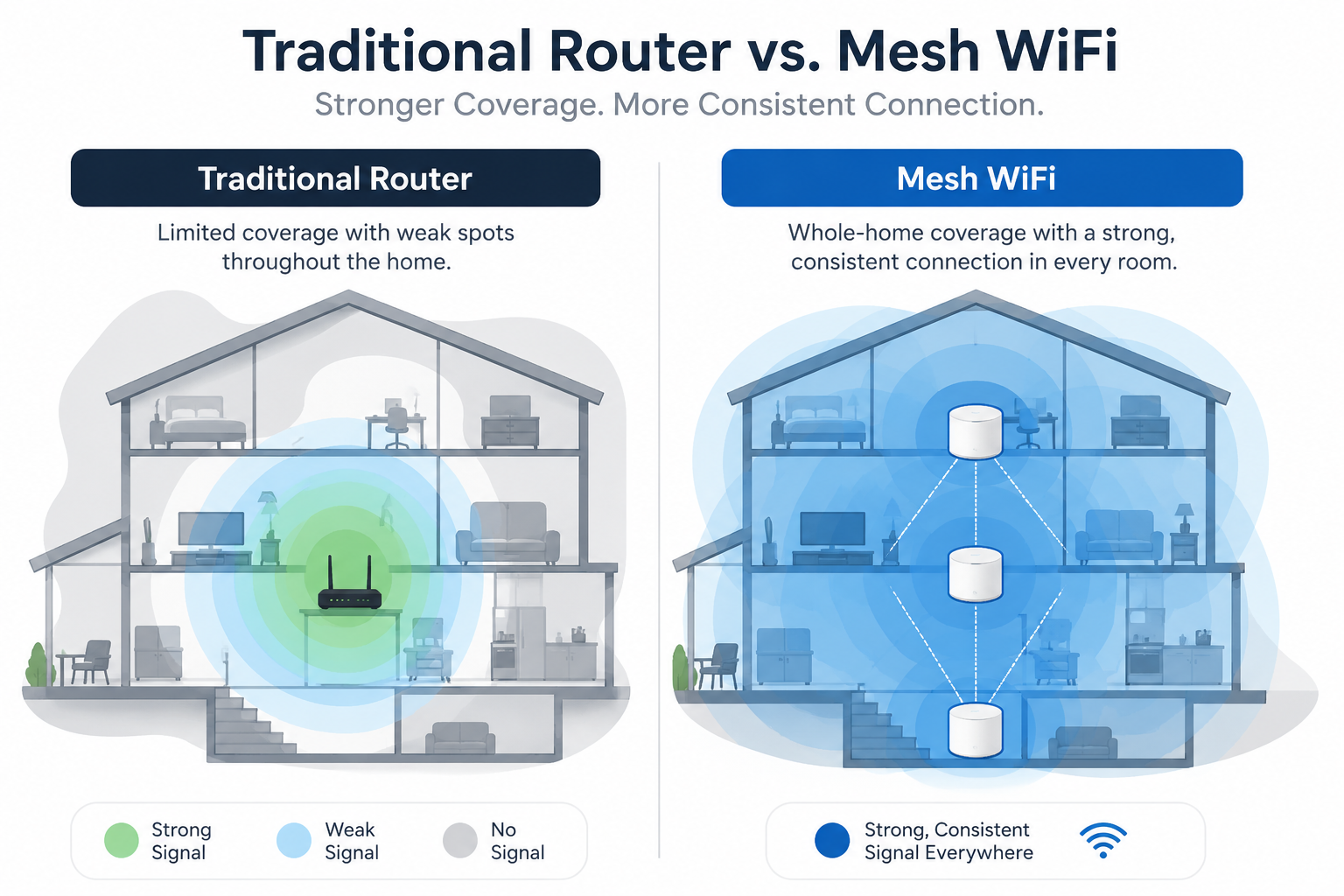
If your family relies on video conferencing, streaming, online learning, gaming, or smart home technology, mesh WiFi can provide a noticeably better experience.
Why Faster Internet Isn't Always the Answer
One of the biggest misconceptions homeowners have is that upgrading to a faster internet package will solve every connectivity problem. In many cases, that's simply not true. Think of your internet connection like water entering your home through a large pipe. If the plumbing inside the house is old, clogged, or poorly designed, increasing the amount of water coming in won't fix the problem. The same principle applies to your home's WiFi network.
Common issues include:
- Poor router placement
- Outdated networking equipment
- Signal interference
- Thick walls or multiple floors
- Too many devices competing for bandwidth
A professional home network evaluation identifies these issues and recommends solutions that improve the performance of your existing internet service before suggesting you pay for a faster plan.
Quick Tip: Before upgrading your internet speed, have your home's wireless network evaluated. You may already have the bandwidth you need; the issue could be how it's being distributed throughout your home.
A Reliable WiFi Network Is the Foundation of a Smart Home
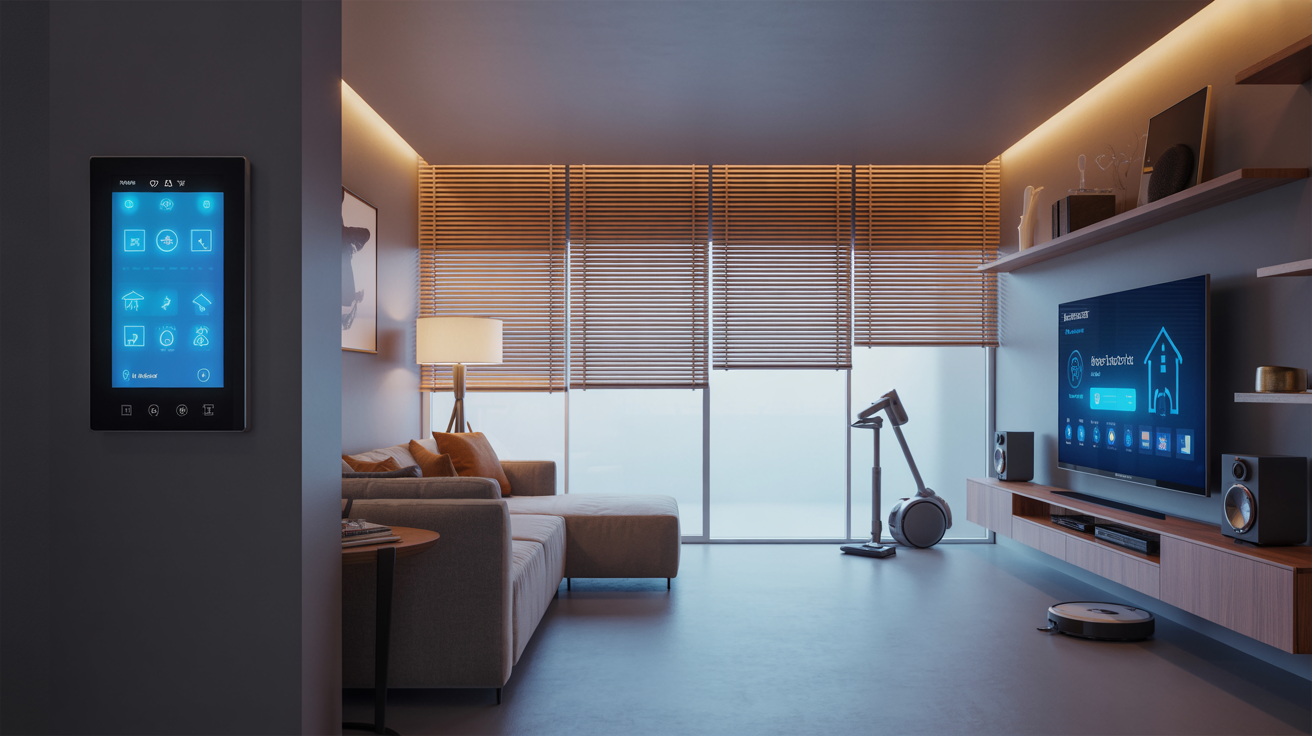
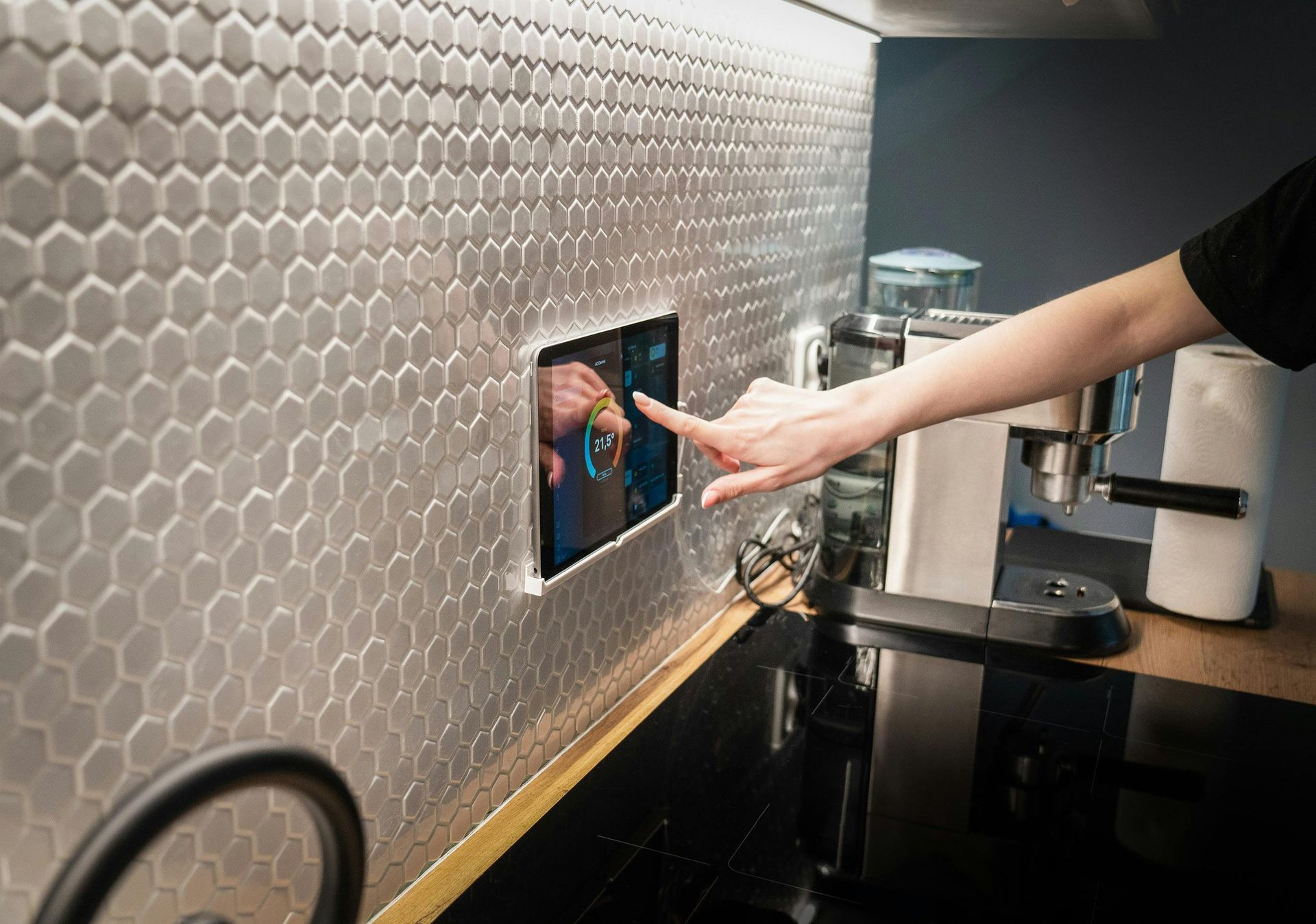
Today's smart homes depend on a fast, reliable wireless network.
Every connected device communicates through your home network, including:
- Smart lighting
- Smart thermostats
- Security cameras
- Video doorbells
- Motorized shades
- Whole-home audio systems
- Voice assistants
- Smart locks
- Home automation hubs
When your WiFi struggles, these devices may disconnect, respond slowly, or stop working altogether.
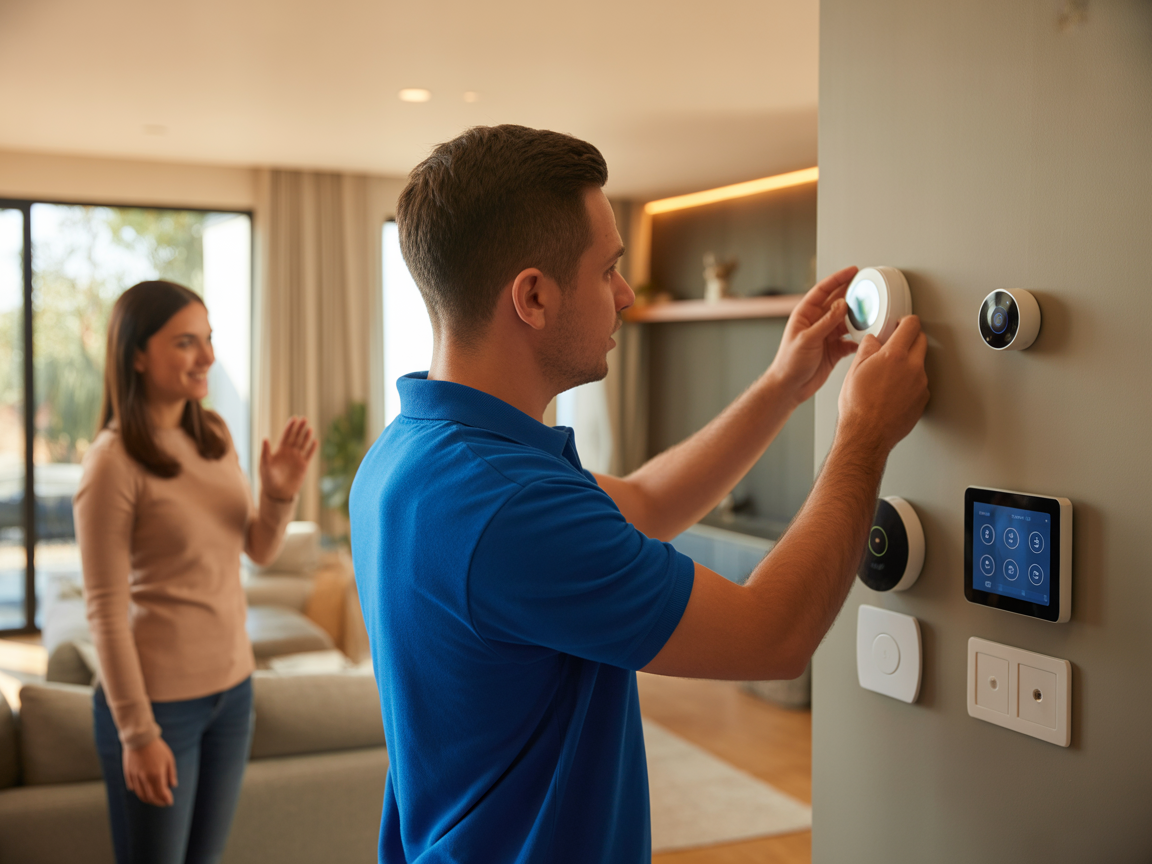
At Connextec, every smart home installation begins with evaluating the strength and reliability of the home's network. A dependable wireless foundation helps ensure that every connected device performs as intended, creating a seamless and enjoyable smart home experience. Whether you're installing one smart device or automating your entire home, investing in your network first can help prevent frustration and improve long-term performance.
Why Professional WiFi Installation Makes a Difference
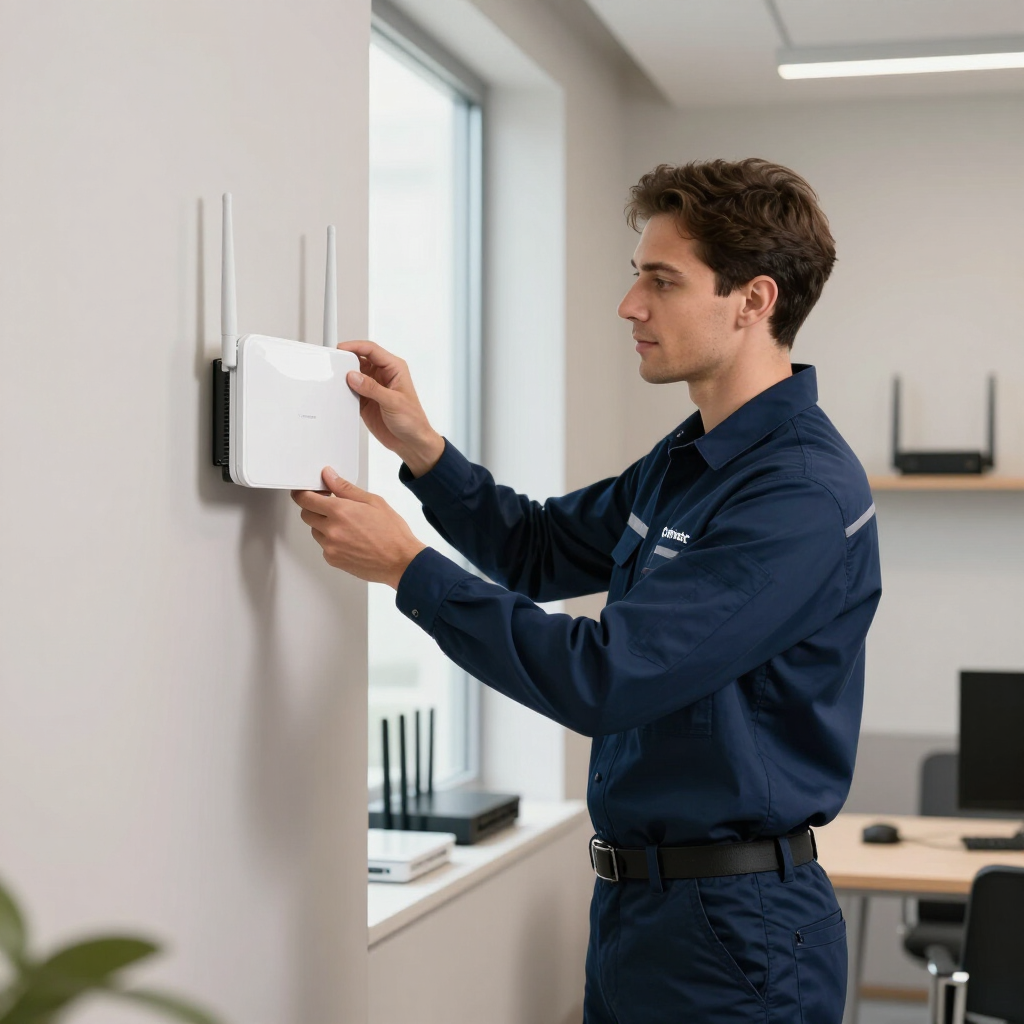
While it's possible to purchase networking equipment online and install it yourself, professional installation offers benefits that go far beyond simply plugging in a new router.
An experienced installer considers factors such as:
- Your home's size and layout
- Construction materials
- Device density
- Internet usage habits
- Future technology needs
- Smart home integration
- Outdoor coverage requirements
Rather than relying on trial and error, professional network design creates a customized solution tailored to your home. At Connextec, our team designs networking solutions that support everything from home offices and entertainment systems to advanced smart home automation, helping homeowners throughout Charlotte and the surrounding communities enjoy dependable connectivity every day.
Preparing Your Home Before the School Year Begins
Before classes start, take a few minutes to evaluate your home network.
Ask yourself:
- Does every room have strong WiFi?
- Can multiple people participate in video calls without interruptions?
- Do streaming services run smoothly?
- Are smart home devices reliable?
- Does your home office stay connected?
- Is your outdoor living space covered?
If not, now is the ideal time to make improvements before your household becomes busier. A professionally designed WiFi network can reduce frustration, improve productivity, and support your family's technology needs throughout the school year and beyond.
Keep Your Family Connected with Connextec
Your home's technology should make life easier—not more frustrating. Whether you're experiencing dead zones, buffering, unreliable smart devices, or inconsistent coverage, Connextec can help. Our experienced team designs and installs customized networking solutions that provide reliable connectivity throughout your home, allowing your family to work, learn, stream, and stay connected with confidence. From whole-home WiFi and mesh networking to complete smart home automation, we'll help you build a network that's ready for today—and prepared for tomorrow.
Schedule Your Home Network Evaluation Today
If you're ready to eliminate WiFi frustrations before the school year begins, contact Connextec today to schedule a professional home networking consultation. Our experts proudly serve homeowners throughout Charlotte, Matthews, Mint Hill, Huntersville, Cornelius, Davidson, Pineville, Ballantyne, Fort Mill, Indian Trail, Waxhaw, and surrounding communities, delivering technology solutions designed to simplify everyday life.
Frequently Asked Questions
How do I know if my home WiFi needs an upgrade?
If you're experiencing slow speeds, buffering, dropped video calls, dead zones, or smart devices that frequently disconnect, your home WiFi may need optimization. A professional network evaluation can identify the root cause and recommend the best solution.
What causes WiFi dead zones?
Thick walls, multiple floors, brick or concrete construction, poor router placement, and interference from other electronic devices often cause dead zonesDead zones are often caused by thick walls, multiple floors, brick or concrete construction, poor router placement, and interference from other electronic devices. Mesh WiFi systems can often eliminate these problems.
Is a mesh WiFi system better than a traditional router?
For many homes, yes. Mesh WiFi systems provide more consistent coverage throughout the home, reduce dead zones, and allow devices to seamlessly connect to the strongest signal as you move from room to room.
Will faster internet fix my WiFi problem?
Not always. Many homeowners already have enough internet bandwidth, but poor network design or outdated equipment prevents that speed from reaching every room in the house.
How many devices can a home WiFi network support?
Today's homes often have 20 to 50 connected devices, including smartphones, laptops, streaming devices, security cameras, smart TVs, and home automation systems. A properly designed network can support these devices without sacrificing performance.
Why is reliable WiFi important for smart home automation?
Smart home devices rely on a stable wireless connection to communicate. Poor WiFi can cause delays, disconnections, or inconsistent performance with smart lighting, security systems, thermostats, and voice assistants.
Should I have my home network professionally installed?
Professional installation ensures your network is designed around your home's layout, construction, and technology needs. This helps maximize coverage, improve reliability, and prepare your home for future connected devices.