Why Your Wi-Fi Slows Down in the Summer and What to Do About It
Why Your Wi-Fi Slows Down in the Summer and What to Do About It
Have you noticed that your internet has been slowing down during the summer months? You're not imagining it. Many homeowners and businesses experience slower Wi-Fi, more frequent video buffering, dropped Zoom calls, and weak connections when temperatures rise. Whether you're working from home, streaming your favorite shows, managing smart home devices, or helping kids stay entertained during summer break, a reliable Wi-Fi network is more important than ever.
At Connextec, we help homeowners and businesses throughout Charlotte, Concord, Huntersville, Lake Norman, Mooresville, Matthews, and the surrounding North Carolina communities improve their wireless networks with professional Wi-Fi installation, mesh networking, and smart technology solutions.
Let's look at why your Wi-Fi may slow down during the summer—and what you can do to fix it.
Why Does Wi-Fi Slow Down During the Summer?
There isn't just one reason. Summer often creates the perfect combination of conditions that put extra stress on your wireless network.
Common causes include:
- More people at home
- More devices connected simultaneously
- Increased video streaming
- Online gaming
- Video conferencing
- Smart home devices using bandwidth
- Older networking equipment
Even if your internet provider is delivering the speed you're paying for, your home's wireless network may not be able to distribute that speed efficiently.
More Devices Mean More Competition
Today's homes have far more connected devices than they did just a few years ago. A typical family may have smartphones, tablets, smart TVs, gaming consoles, laptops, security cameras, smart thermostats, video doorbells, voice assistants, and smart appliances. Each device competes for bandwidth. During the summer, when children are home from school and families spend more time indoors during the hottest parts of the day, network congestion increases significantly.
Streaming Uses More Bandwidth Than You Think
Streaming services continue to increase video quality. Watching movies in 4K or Ultra HD requires much more bandwidth than standard HD streaming. If several family members are simultaneously watching Netflix, streaming YouTube, gaming online, attending virtual meetings, and downloading large files, your Wi-Fi network can quickly become overloaded.
Poor Router Placement Can Create Dead Zones
One of the biggest problems we see is improper router placement. Many routers are installed inside cabinets, behind televisions, in closets, near metal objects, and in one corner of the house. These locations reduce signal strength and create areas where the Wi-Fi struggles to reach. Common dead zones include upstairs bedrooms, bonus rooms, garages, outdoor patios, home offices, and finished basements. Simply moving your router can sometimes improve performance, but larger homes often require a more advanced solution.
Older Routers Can't Keep Up
Technology changes quickly. If your router is five or more years old, it may not support today's internet speeds or the number of connected devices in your home. Modern Wi-Fi equipment offers faster speeds, better range, improved security, greater device capacity, and better support for smart home technology. Replacing outdated equipment can make a noticeable difference in network performance.
Smart Homes Require Strong Networks
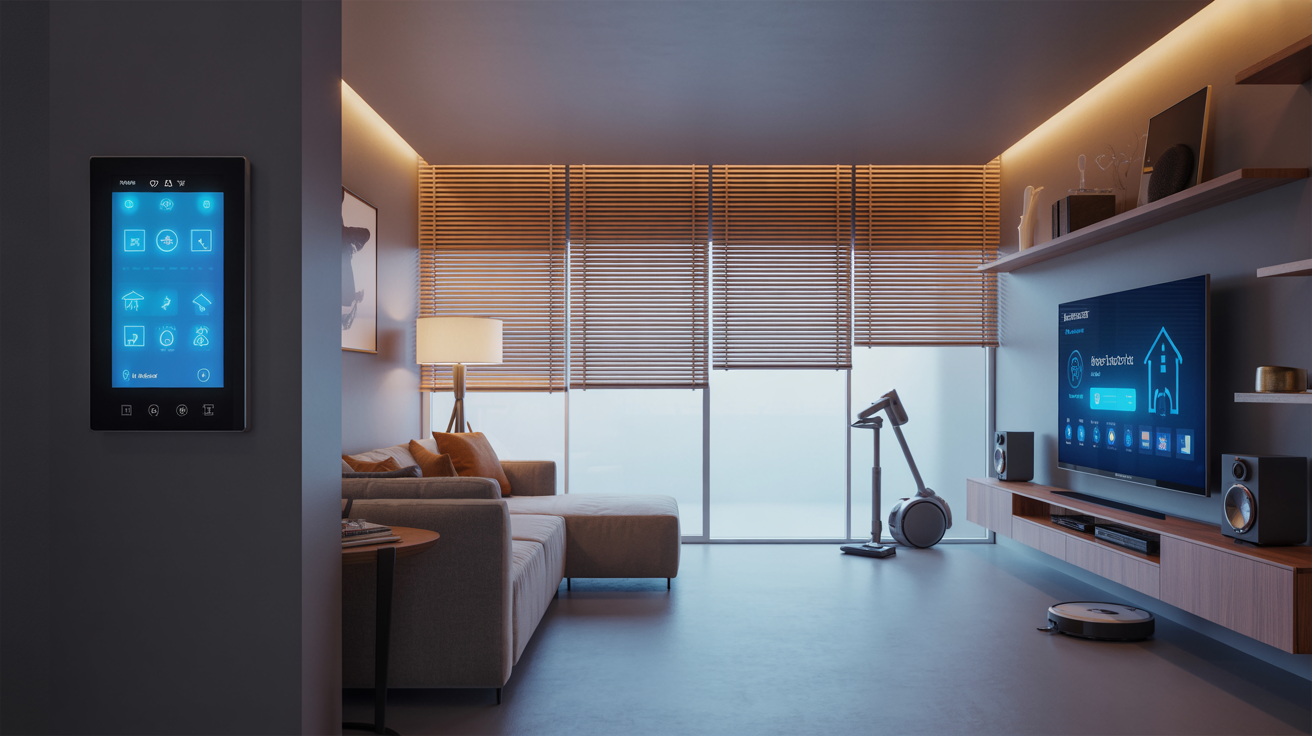
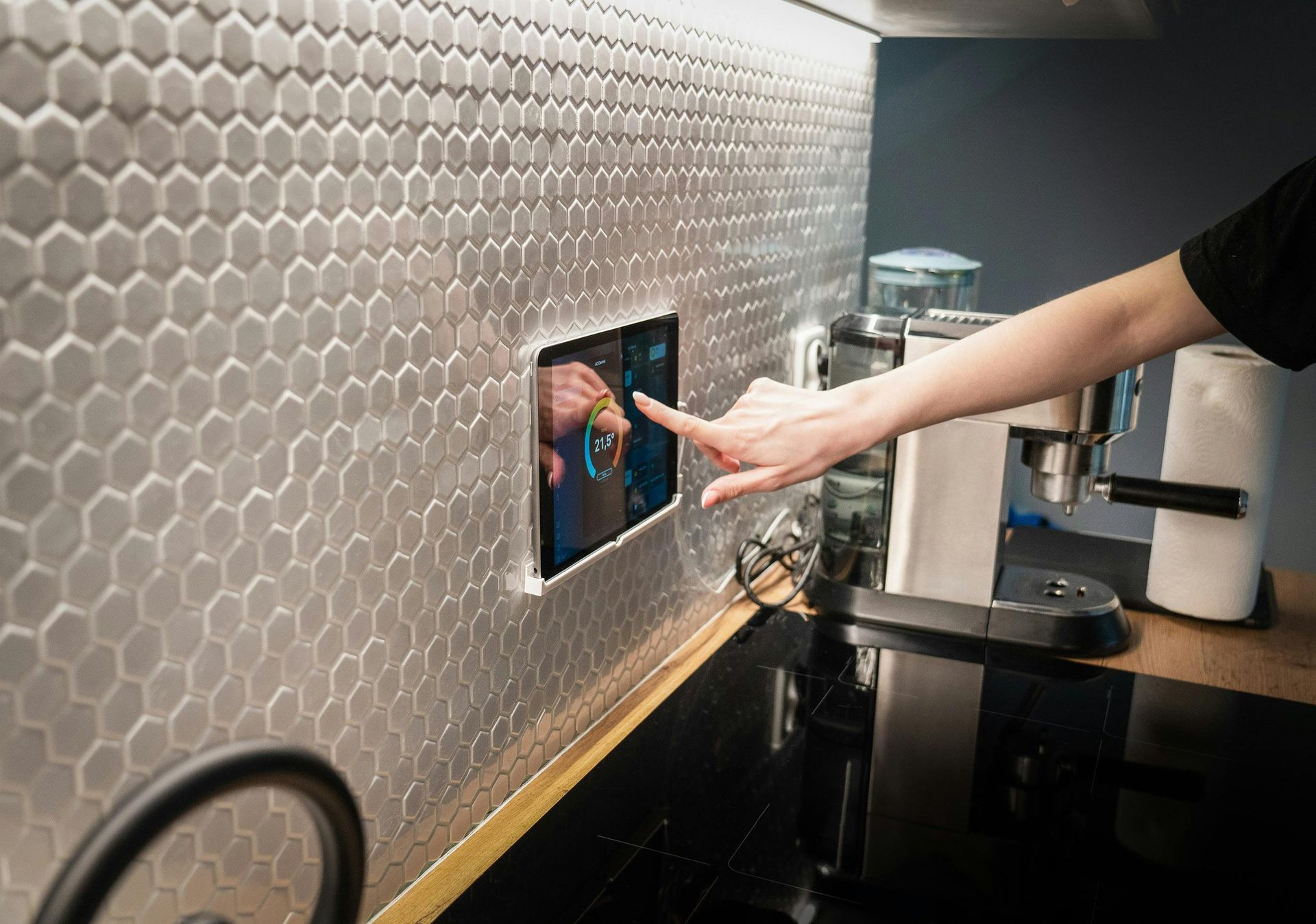
Many homeowners continue adding smart devices each year. These may include smart lighting, security cameras, smart locks, thermostats, garage door openers, voice assistants, and whole-home audio systems. Each device communicates through your Wi-Fi network. A weak network can cause delayed responses, unreliable connections, and frustrating interruptions. A properly designed network provides the stable foundation that smart homes depend on.
Mesh Wi-Fi Can Eliminate Dead Zones
If you struggle with weak signals in certain rooms, a mesh Wi-Fi system may be the solution. Unlike a single router, mesh systems use multiple access points placed throughout your home to create one seamless network.
Benefits include:
- Better coverage
- Fewer dead spots
- Faster speeds throughout the home
- Automatic connection to the strongest signal
- Improved performance for multiple users
Mesh systems are especially beneficial for larger homes, multi-family homes, homes with brick or concrete walls, and homes with many connected devices.
How Professional Wi-Fi Optimization Makes a Difference
Many internet issues aren't caused by your internet provider; they're caused by the design of your home network. Professional network optimization includes:
Network Assessment
A technician evaluates router location, signal strength, dead zones, device load, and existing equipment.
Equipment Recommendations
Not every home needs the same solution. A professional can recommend updated routers, mesh Wi-Fi systems, additional access points, and hardwired connections for high-performance devices
Proper Installation
Correct installation includes strategic equipment placement, secure configuration, performance testing, and device optimization. This helps ensure your network performs reliably throughout your home.
Tips to Improve Your Wi-Fi Today
While professional installation provides the best long-term results, you can often improve your Wi-Fi with a few simple steps:
Place Your Router in a Central Location
Avoid placing it behind furniture, inside cabinets, near microwaves, or close to large metal objects.
Restart Your Router Regularly
A quick reboot can resolve temporary performance issues.
Update Your Router's Firmware
Manufacturers regularly release updates that improve performance and security.
Disconnect Unused Devices
Removing devices you no longer use frees up network resources.
Secure Your Network
Use strong passwords and modern encryption to prevent unauthorized users from consuming your bandwidth.
Businesses Face Similar Challenges
Summer doesn't only affect residential networks. Businesses also experience increased demands from:
- Cloud applications
- Video conferencing
- Guest Wi-Fi
- Security systems
- Connected office equipment
A slow business network impacts:
- Employee productivity
- Customer experience
- Video meetings
- Point-of-sale systems
Professional business networking solutions help keep operations running smoothly.
Why Choose Connextec?
At Connextec, we understand that every home and business has different networking needs. Our experienced team provides:
- Professional Wi-Fi installation
- Mesh Wi-Fi systems
- Home network optimization
- Smart home integration
- Business networking solutions
- TV mounting and AV installation
- Lighting control automation
We design reliable technology solutions that help your devices work together seamlessly while delivering the performance today's connected homes and businesses require.
Don't Let Slow Wi-Fi Interrupt Your Summer
A fast internet plan doesn't always guarantee fast Wi-Fi. If you're experiencing slow connections, buffering, or weak signals, your home network may simply need professional optimization.
Connextec proudly serves homeowners and businesses throughout Charlotte, Concord, Huntersville, Lake Norman, Matthews, Mooresville, and surrounding North Carolina communities with expert networking and smart technology solutions. Whether you need a mesh Wi-Fi system, improved coverage, or a complete network upgrade, we're here to help.
Schedule Your Wi-Fi Assessment Today
Stop struggling with slow internet and enjoy reliable connectivity throughout your home or business. Contact Connextec today to schedule a professional Wi-Fi assessment and discover how a properly designed network can improve streaming, remote work, gaming, smart home performance, and everyday connectivity.
Frequently Asked Questions
Why does my Wi-Fi seem slower in the summer?
Summer often brings more connected devices, increased streaming, online gaming, and people spending more time at home, all of which can put additional demand on your network.
How do I know if I need a new router?
If your router is more than five years old, struggles to support multiple devices, or leaves areas of your home with weak signals, it may be time for an upgrade.
What is a mesh Wi-Fi system?
A mesh Wi-Fi system uses multiple wireless access points to create one seamless network that provides stronger coverage throughout your home.
Can professional Wi-Fi installation improve internet speed?
While it won't increase the speed provided by your internet service provider, professional installation can significantly improve wireless performance, reduce dead zones, and optimize the speed available throughout your home.
Do businesses benefit from professional Wi-Fi optimization?
Yes. Reliable Wi-Fi improves productivity, supports cloud-based applications, enhances video conferencing, and creates a better experience for employees and customers.